01NOTES
Write your speaker notes
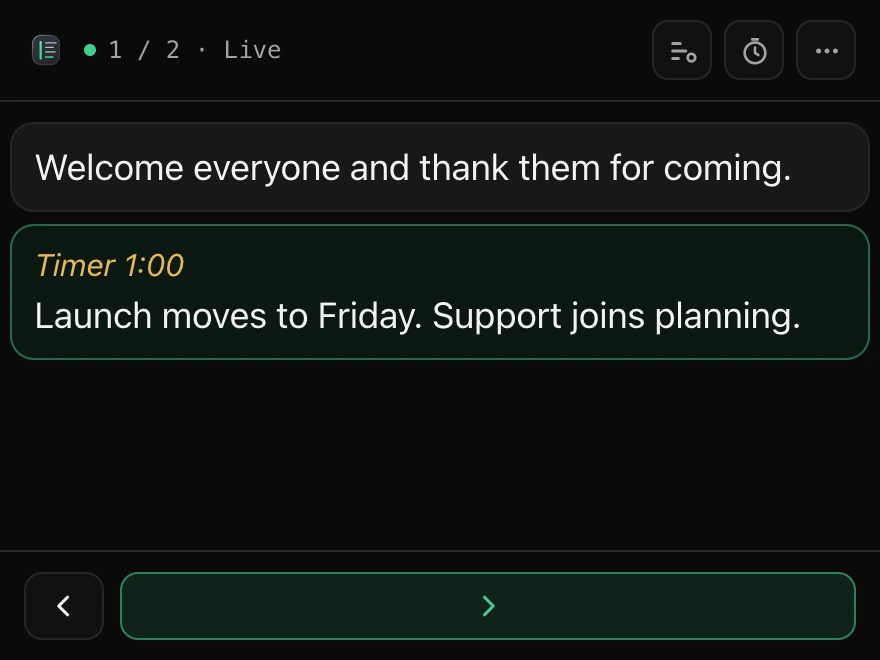
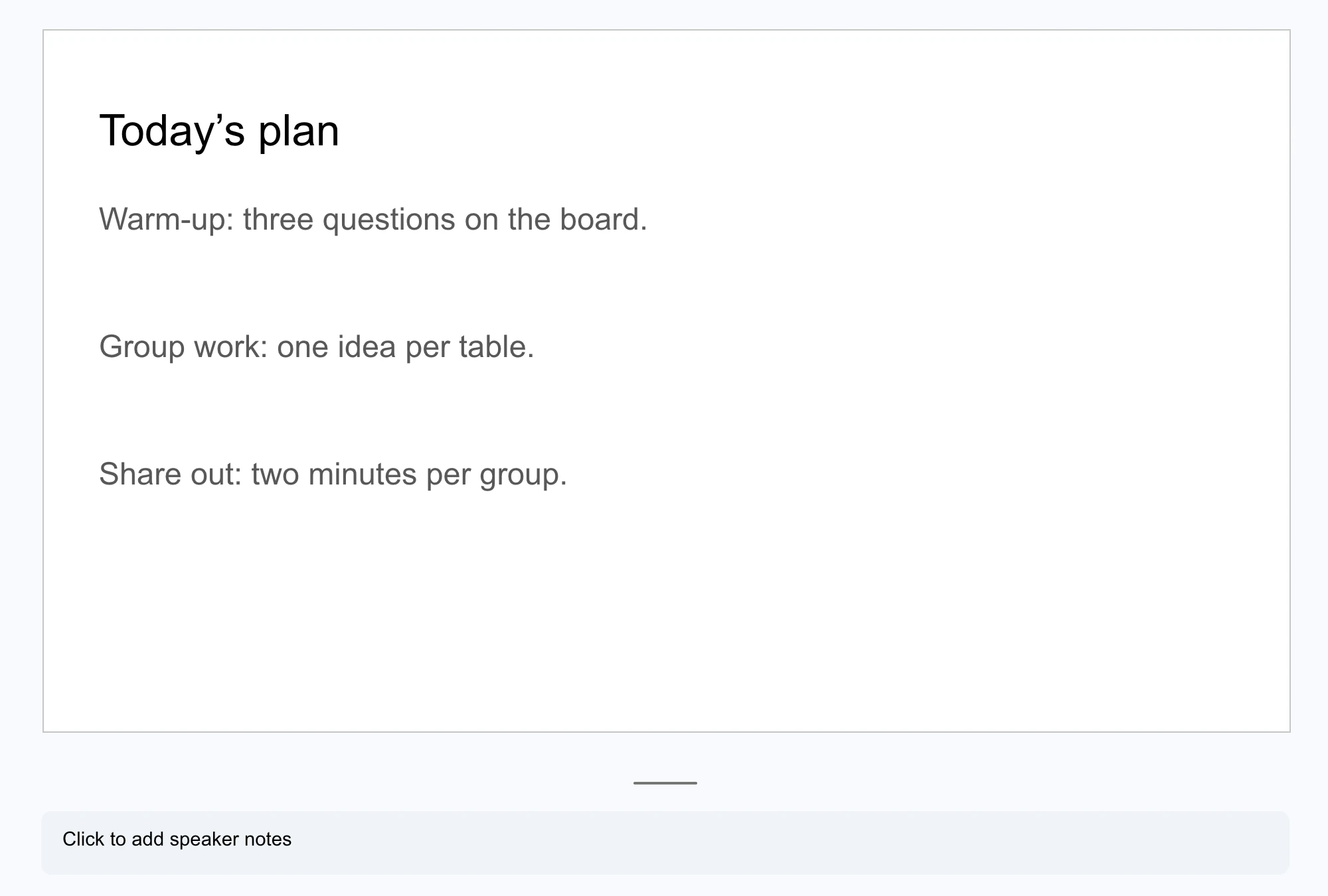
In the notes box under each slide, as usual. Add a line like “Timer 5:00” to time a slide.
Welcome to HumDocs
Made for presenters. Open your slides, then click HumDocs.
In the notes box under each slide, as usual. Add a line like “Timer 5:00” to time a slide.
The button at the top of HumDocs. Your notes open in a window only you see.
Your notes follow each slide. Your clicker, Page Down or the right arrow moves on.